

Bring your digital photos to life
Microsoft Photo Story is a photo presentation program for Windows XP. If you're looking for a similar program for Windows Vista or 7, check out Windows Movie Maker or Windows Live Movie Maker.
Top Recommended Alternative

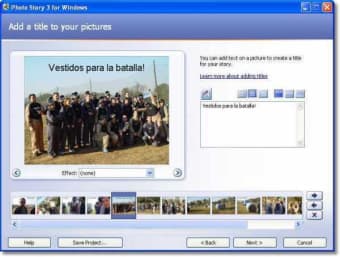
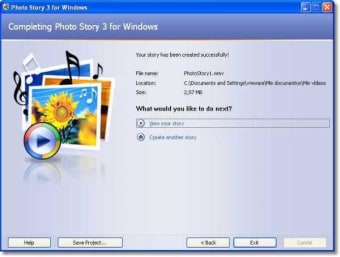
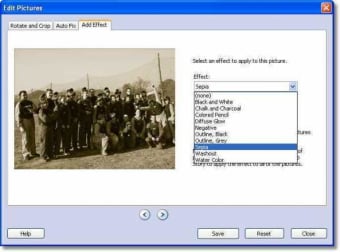
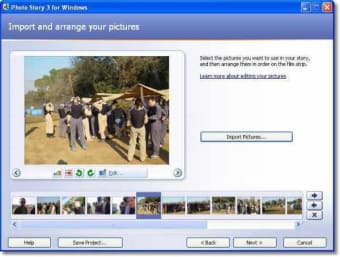
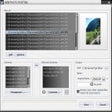
Microsoft Photo Story lets you drag photos onto a window, arrange them as needed, then provide custom narration, transitions, zooms, pans, audio soundtracks and/or custom auto-generated music, then export the result as a WMV file.
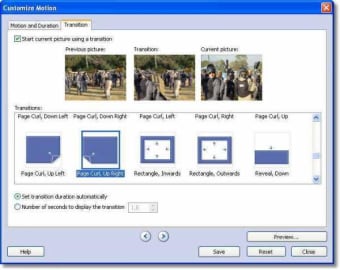
Applying such features can prove tricky in some programs, but not in Microsoft Photo Story. The fact is, you don’t need to tweak a whole bunch of settings because the program does it for you, automatically generating transitions and zoom/pans without you having to set it up yourself. What's more, the ones generated by default look great.
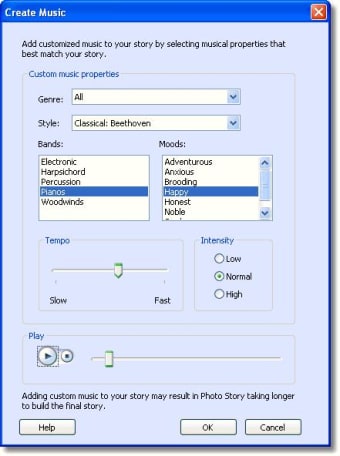
While you can simply sit back and let Microsoft Photo Story do everything for you, there's still plenty you can play around with if you’re feeling adventurous. For instance, you can build your own custom soundtracks for your slideshow. You can pick from a bumper range of music genres, tempos, instruments and effects, giving you the chance to match the audio precisely to the mood of your show.
Output from Microsoft Photo Story is in Microsoft's WMV file format, which is more compressed than MPEGs or other movie type files. You can choose from various resolutions in order to optimize your slideshow. Unfortunately, however, the output movies from the software are not as sharp as they’d be in VCD or DVD format.
It's a shame that Microsoft Photo Story does'’t support burning DVDs and VCDs with the created slideshow, and you’ll need your own DVD authoring app to do this. There are applications, such as ProShow, that contain burning options and support for higher resolution output, but there's not much that can match Photo Story in terms of its ease of use and automated features.
So, if you want a quick way to create stand-out photo presentations, Microsoft Photo Story is well worth downloading.